
Create Meetings from Open Opportunities
Quickly action meetings when you need to and save time
Please note
Currently only available for paid customers.
Background
Keeping on top of your "next meeting" for all your opportunities is not always easy. That's why we have created the "Create Meeting" feature which can be used from the Open Opportunities screen. Either in team meetings, 1 on 1s with sales managers, this feature allows Account Managers to quickly create meeting which can then be later updated and finalised.
Create Meeting
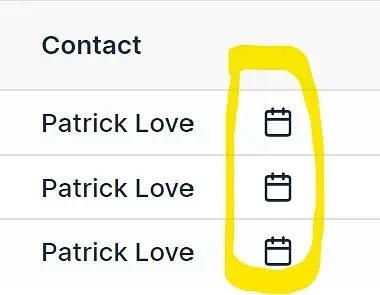
Step 1: click on this icon
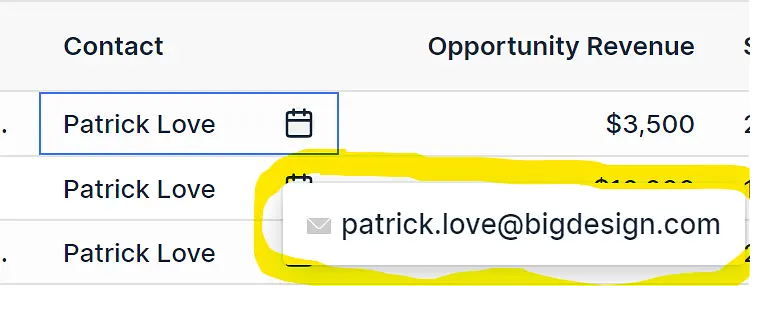
Step 2: click on the
Step 3: Select Calendar Service
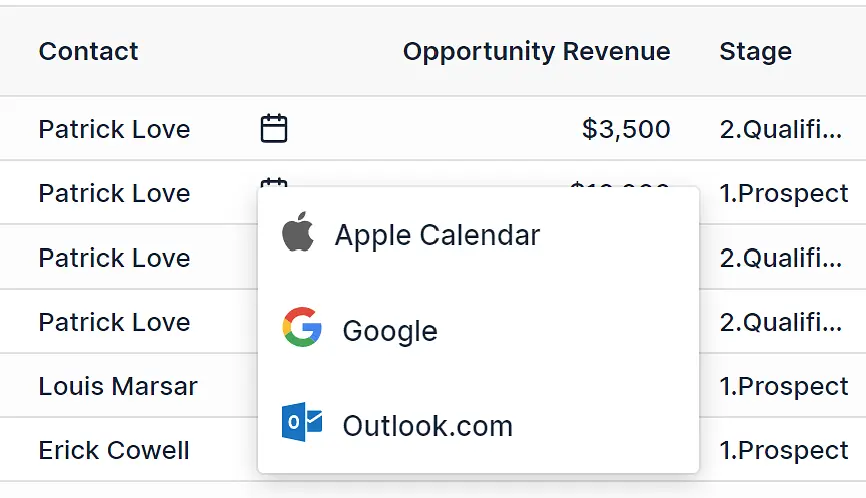
Outlook.com
Log into the web version

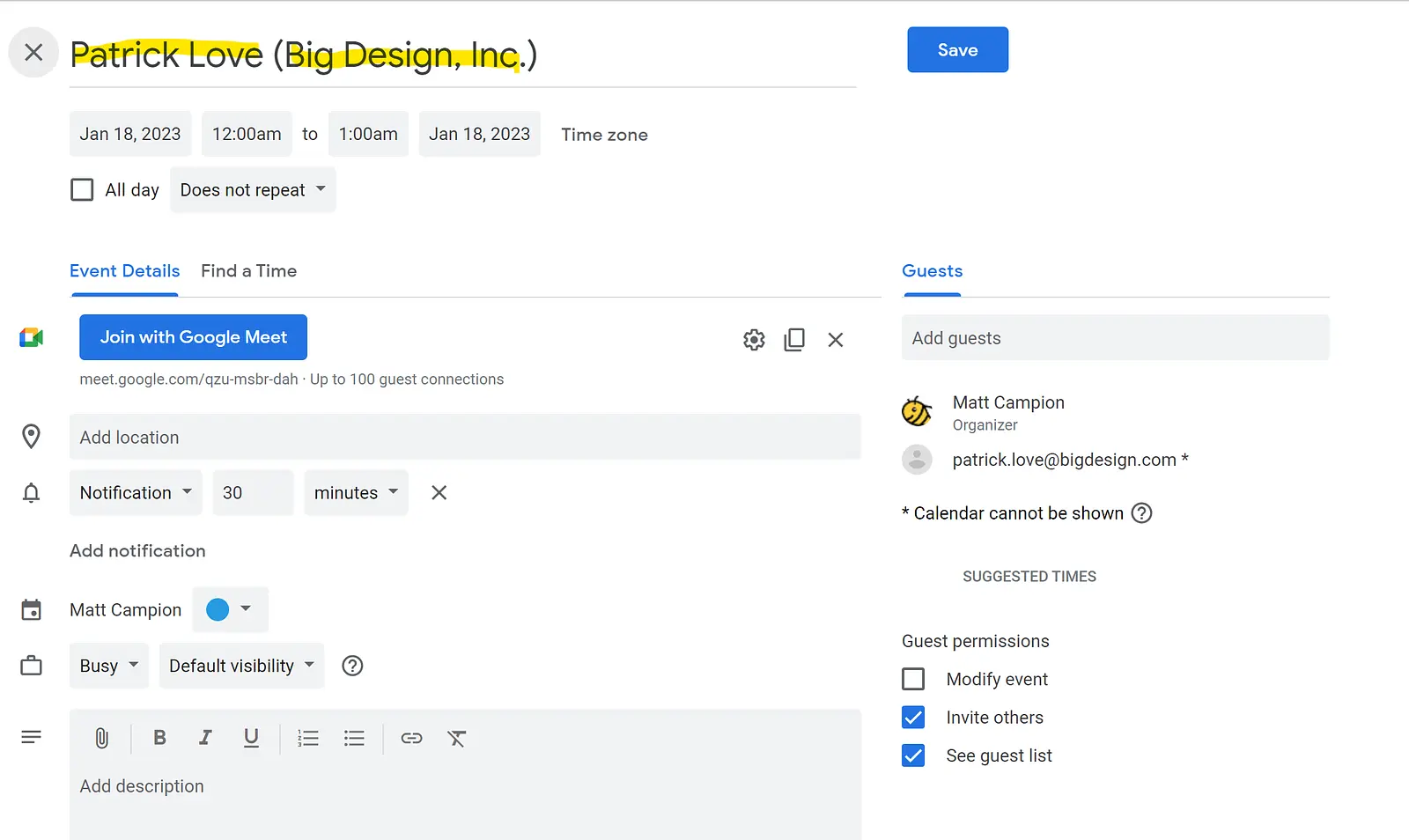
A meeting will be created with: Event Name = Contact Name (Company Name)
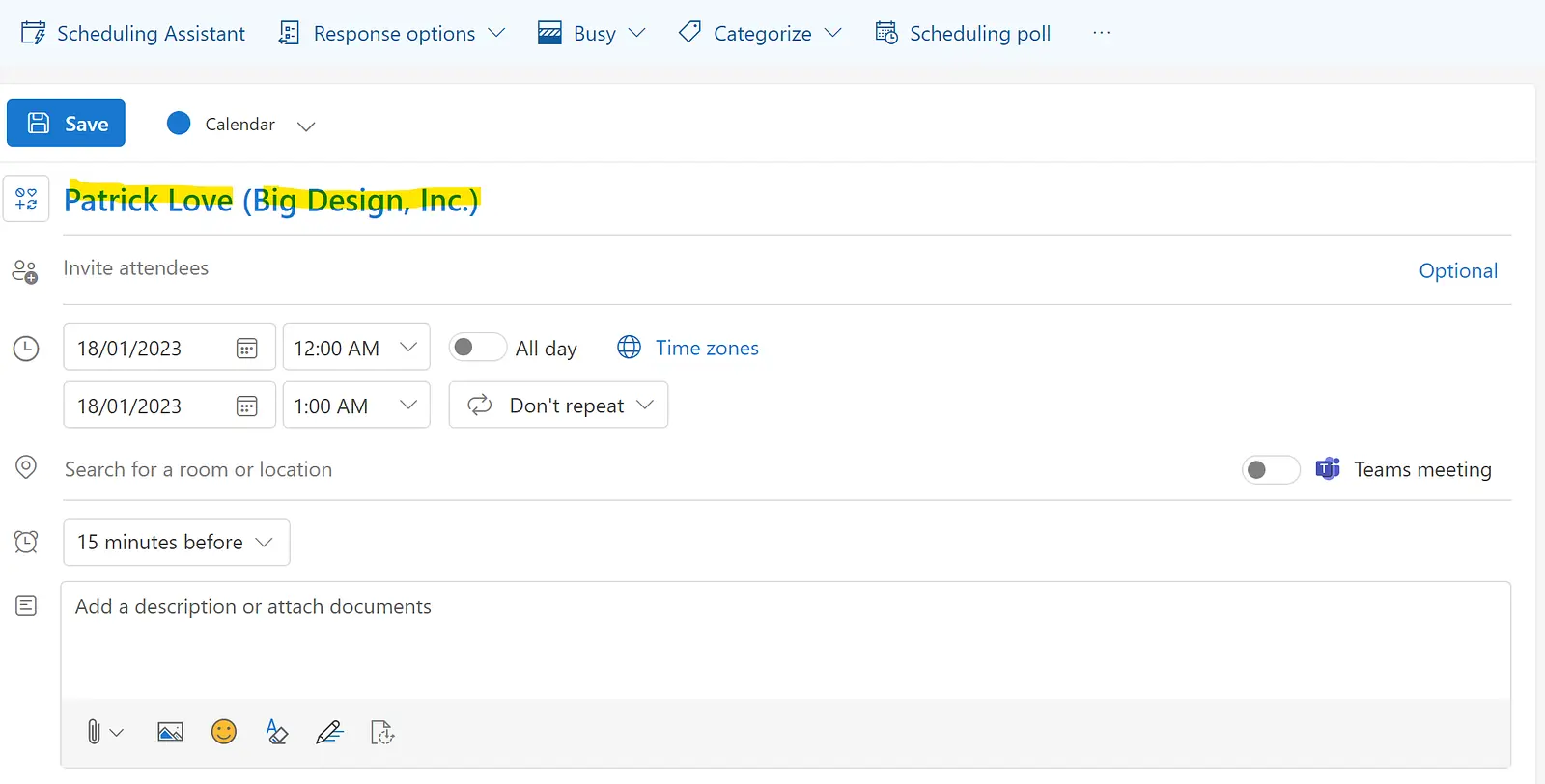
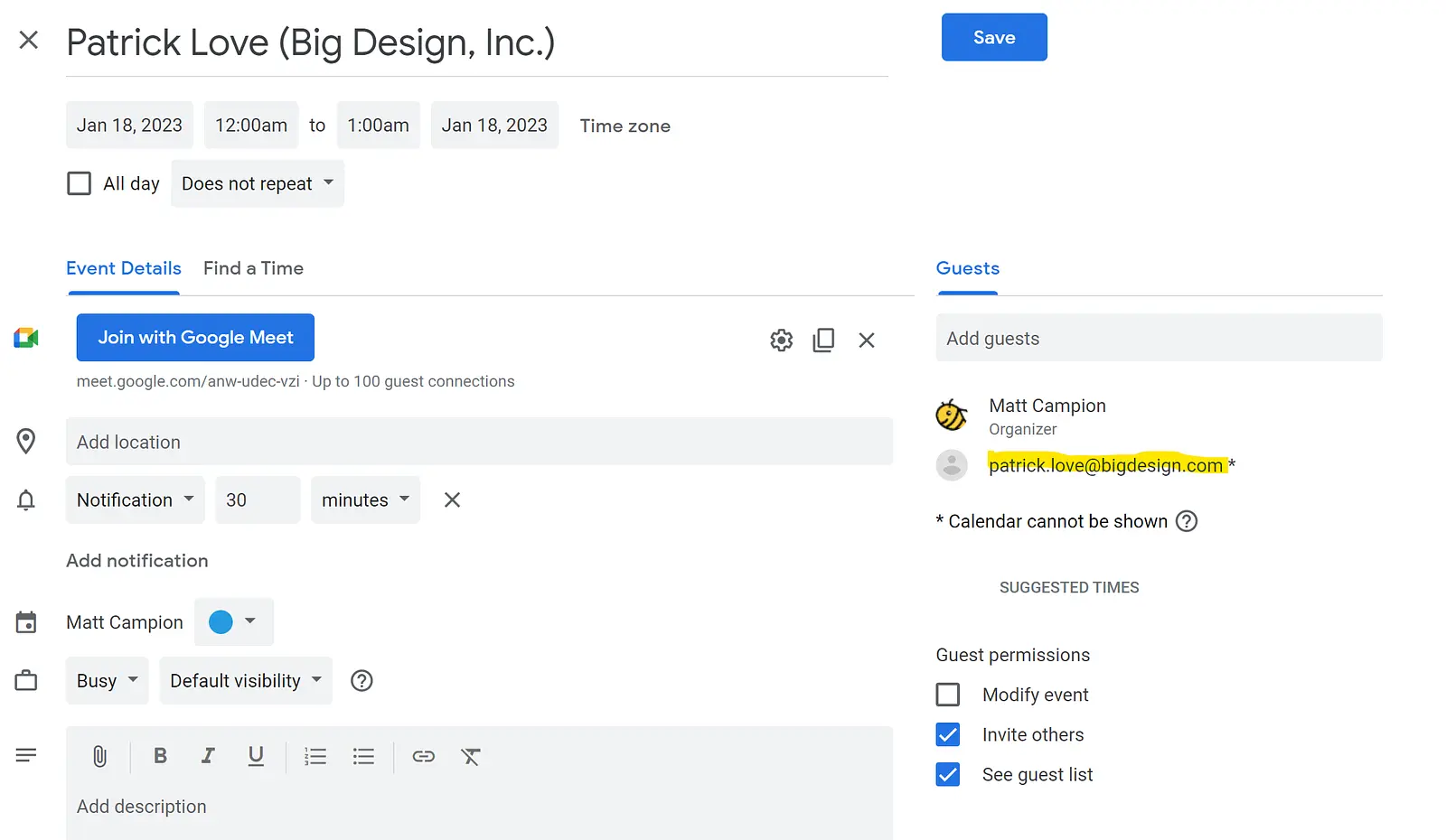
You then can just "paste" using the paste commands on your keyboard and it will paste in the email address into the "invite attendees" field
Adjust the date, time and any other details as needed
Log into the web version
A meeting will be created with: Event Name = Contact Name (Company Name)
The attendees email is automatically added to the event
Adjust the date, time and any other details as needed
Apple Calendar
You will download the ICS file
Then open the file and it will open in your calendar application
The event name and attendee email will be populated
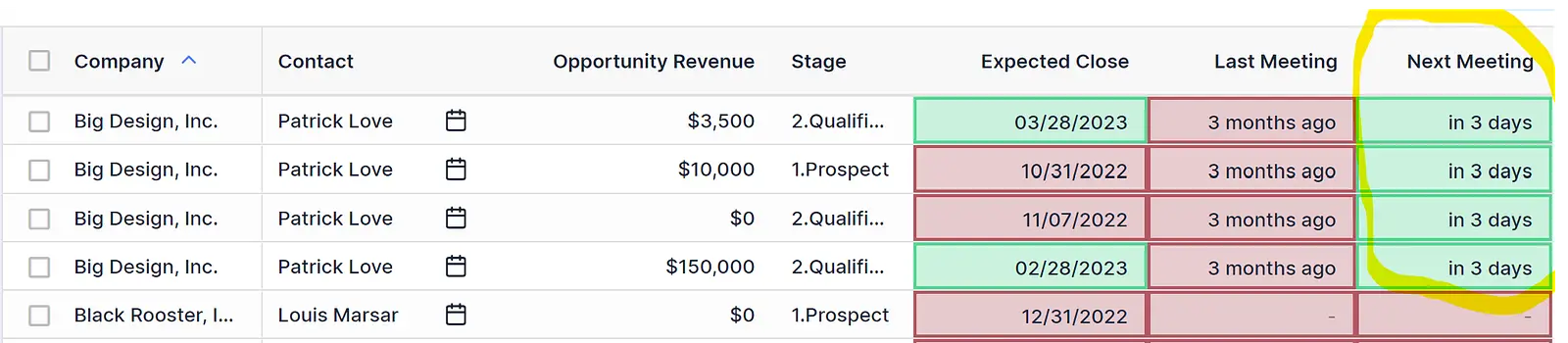
Updated "Next Meeting" Column
When the meeting is created it will populate the "Next Meeting" column.
Was this article helpful?
Related articles
Customer Profitability - Company Level
How-to-use guide for profitability on company page
Engage with BeeCastle featuresAccount Profitability - How To Use Guide
Track your organisation's aggregate profitability over time
Engage with BeeCastle featuresSetting reminders
Set reminders against accounts or contacts to make sure nothing slips
Engage with BeeCastle featuresPut your brand on your client pages
Add your logo and brand colour so the meeting pages you share with clients look like yours.